Contents
2. Procedure and control description
The output forms the system boundary and is also the interface to the downstream process, which is not part of the model.
2. Procedure and control description
The Output element (sink) as a system boundary can be used in different ways in the model.
For example, the Output element can be used to model the end of the primary material flow in the model and thus count the product quantity over the simulation time.
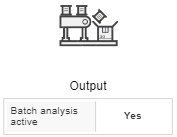
To do this, the batch analysis must be activated in the element. The Output (sink) can also be configured as a secondary flow for rejects or used packaging material (e.g. pallets or films).
If the number of materials discharged is not relevant for the evaluation, the batch analysis should not be activated.
The Output works constantly and accepts all materials according to the set cycle time of the pre-process. No cycle time can be set for the Output.
Figure 1 shows different variants of discharge.
|
Output of side stream, pallets |
|
Output of product, product counter filled boxes with bottles |
|
Output of rejects |


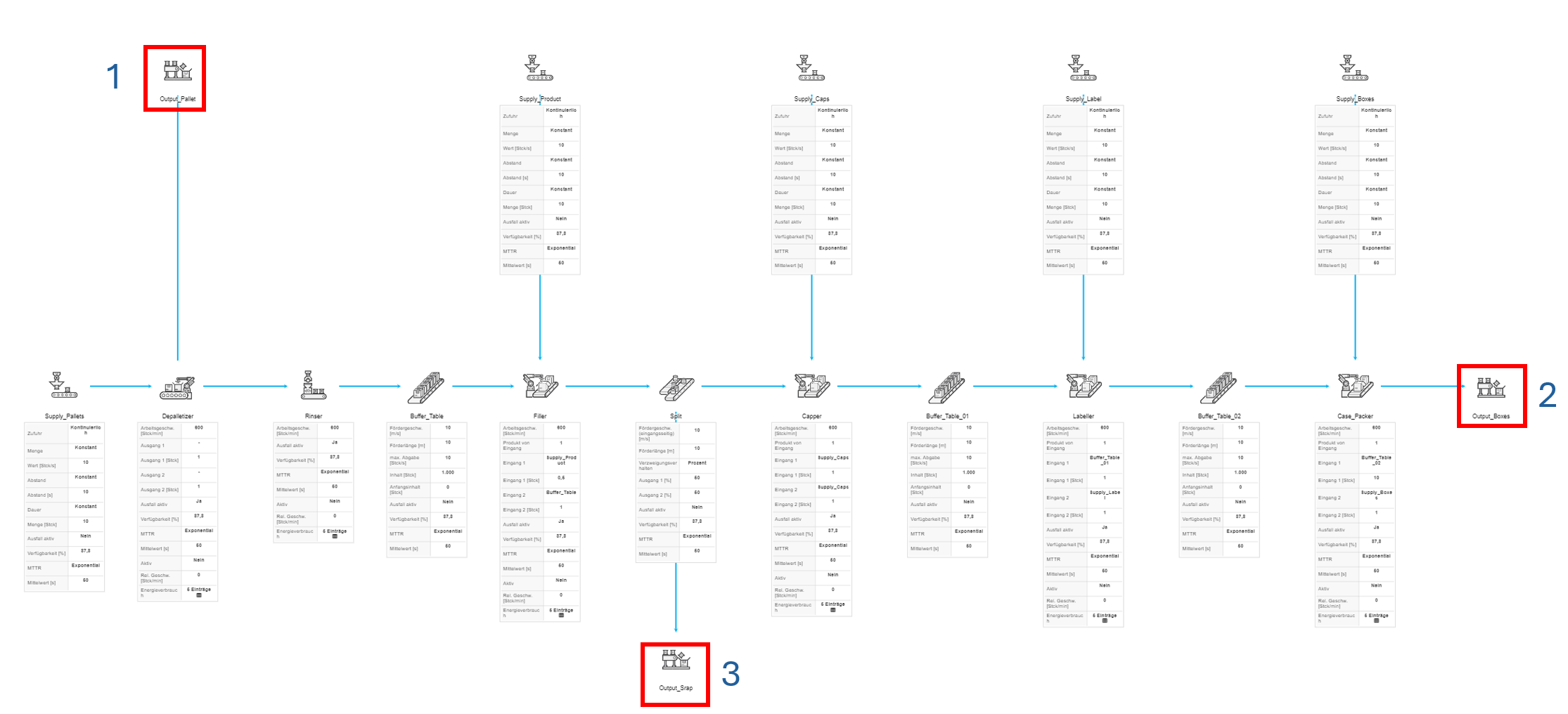
Figure 1 - Variants of output
Figure 2 - Output |
|
© SimPlan AG - Hanau District Court, Commercial Register (Part B) 6845 - info@simplan.de - www.simplan.de/en