This chapter describes and explains the Menu Bar and its contents.
The menu can basically be operated via each button on the left side. Via the button |
|
the menu can be extended. This will make the labels of each icon visible. |

The scope of the menu depends on whether or not a user is logged in in the application, and whether a project (local or server project) is open.
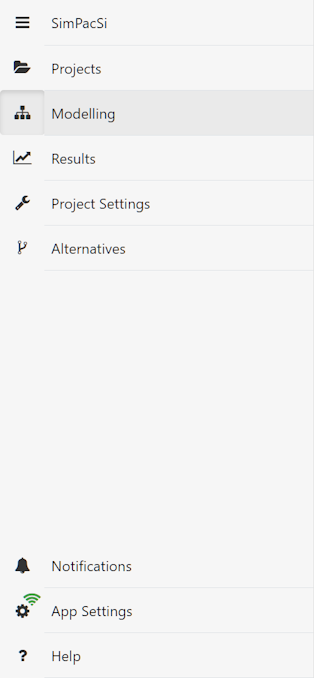
Menu with logged in user and open project
If a user is logged in and has opened a project, the menu is structured as shown in Figure 3. Detailed information and explanations of the individual menu items can be found in the respective chapters of this help:
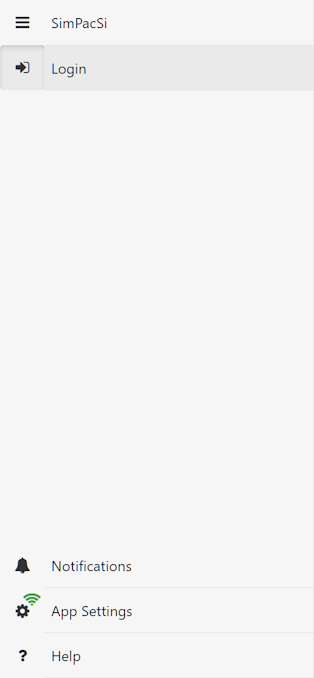
Figure 1 - Menu not logged in |
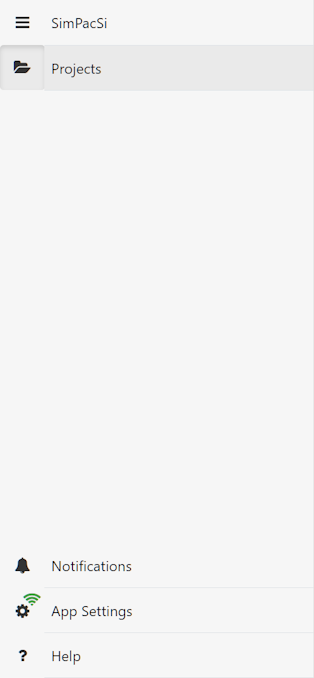
Figure 2 - Menu logged in |
Figure 3 - Menu logged in and project open |
© SimPlan AG - Hanau District Court, Commercial Register (Part B) 6845 - info@simplan.de - www.simplan.de/en