Drawing


<< Click to show table of contents >>

Navigation:  Objects of the toolbox for simulation >

Drawing


Contents

1. Brief description

2. Parameterization


1. Brief description

The objects of the Drawing category are used to add simple geometric shapes to the modeling area. Size, color and shape can be edited.


2. Parameterization

20240902_icon_rechteck

Figure 1 - Drawing

Parameter

Required

Description

Fill color


Color of the filling of the object

Border color


Color of the border of the text box

Border thickness


Thickness of the border of the text box

The following objects can be selected in the toolbox. The parameterization of the objects is always the same.

20240902_icon_ellipse20240902_icon_rechteck

Figure 2 - Different icons


By clicking the object the size can be adjusted.
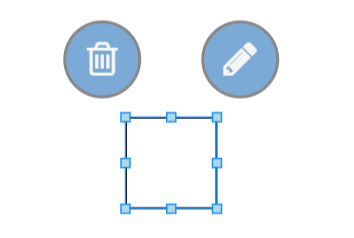
20240902_icon_rechteck_bearbeiten

Figure 3 - Editing object


© SimPlan AG - Hanau District Court, Commercial Register (Part B) 6845 - info@simplan.de - www.simplan.de/en